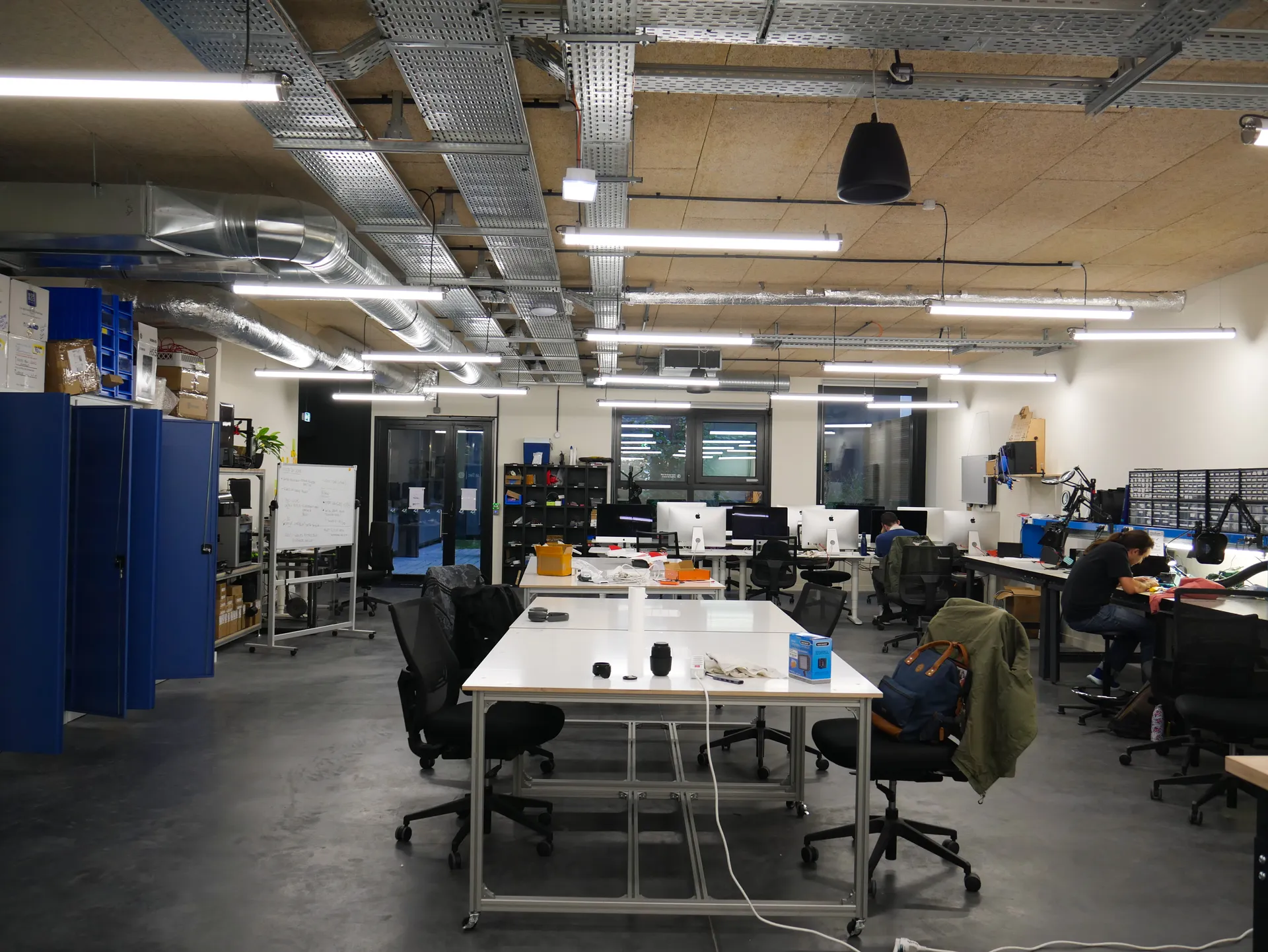
Fab · the Labelec's machines
3D printing, PCBs and machines
Send us a model or a board and we make it, or get trained and run the machines yourself. For 42 students: you pay for what's used when you collect.
Nathan Sauret · CC BY 4.0
- 3D print
- On quote
- PCB
- On quote
- Payment
- At pickup
- For
- 42 students
Print a part
- Send your modelUpload an STL or 3MF and pick a material. You see a rough price straight away.
- Accept the quoteThe staff check the model and send the real price. Nothing is printed until you accept it.
- Collect and payWe email you when it's ready. You pay at the lab when you pick it up.
Files and limits
- An STL or 3MF model, up to 50 MB, one model per request. You may add links to the model's page (Printables, Thingiverse…).
- You pick the material, the colour and the quantity. We slice with standard settings (0.2 mm layers, 15% infill): ask for others in the notes.
Print prices
Print prices show up here once printing materials are in the catalogue.
Mill a PCB
- Send your GerbersUpload the zip your PCB tool exports. Your browser reads it, draws the board and shows the price straight away.
- Accept the quoteThe staff check the files and send the quote. Nothing is milled until you accept it.
- Collect and payWe email you when the board is ready. You pay at the lab when you pick it up.
What the mill can do
- One- and two-sided boards. No inner layers, and copper and holes only: no solder mask or silkscreen.
Accepted files
- A zip of the Gerber and drill files, up to 50 MB. In KiCad: Plot, then Generate drill files.
- A KiCad project zip works when it holds those exports. Without them, the staff quote it by hand.
- Module teams can pick a board from their cart: no second upload.
PCB prices
PCB prices show up here once blanks are in the catalogue.
Use the machines yourself
Once you're trained, you can book a 3D printer, the laser cutter or the PCB mill and run it yourself. You get trained at a training session at the lab, or by the staff.
- Slots of 1 h, up to 4 h a week.
- Book up to 14 days ahead, cancel up to 2 h before.
- On a printer you pay for the filament you used when you check out, on the PCB mill for the blank you used. The laser cutter is free.
Next training sessions
No training session is planned right now: ask the staff at the lab.
The machines
The machine list is on its way.
Collecting your job
Prints and boards are collected at the Labelec, at 42 Paris.
Collect a finished job within 14 days: until you do, you can't send a new one.
Questions about Fab
Who can use Fab?42 students
Any 42 student can send a print or a PCB: sign in with your 42 login. Using a machine yourself also takes a training on that machine. Guests and people from outside 42 can't use it for now.
How do I pay?At pickup
At the lab, when you collect: cash, card or transfer. Nothing is paid online. A self-service session is paid at the desk when you check out.
Where do I pick my job up?
At the Labelec, at 42 Paris. We email you when it's on the shelf. Collect it soon: while a finished job waits too long, you can't send a new one.
What if a print or a board fails?Depends
If it fails because of us (a jam, a broken bit), we make it again for free. If it fails because of the file (overhangs, tracks too thin), you pay for the material it used, then fix the file and send it again on the same request, or cancel it.
Can my module team pay for it?Yes
Yes, when your module has Fab turned on: pick your team under “Bill to” when you send the job. It's priced at the team rate and charged to the team's budget, so there's nothing to pay at pickup, and every member of the team can follow it.
My file was refused. What now?
The page says why. Wrong kind or over 50 MB: export it again (STL or 3MF for a print, a zip of Gerbers for a PCB). Too big for our machines: scale it down or split it. Inner copper layers: the mill only makes one- and two-sided boards. If the staff refuse a job, the email gives their reason: fix it and send a new one, or ask them at the lab.